
You have probably often come across software titles that describe themselves as Software as a Service; however, it is also likely that you are not familiar with the term.
In this post, we are going to give a brief overview and explain what Software as a Service is, so that by the time you finish reading, you will know exactly what it is and be able to tell it apart from regular software.
SOFTWARE AS A SERVICE
SaaS, short for software as a service, is a term used to describe when users "rent" or borrow software online instead of buying it and installing it on their own hardware. It is the same situation as when you use email services like Gmail or Yahoo, except that SaaS goes much further.
SaaS is an idea in which entire businesses and their thousands of employees use software tools as products rented online, over the Internet.
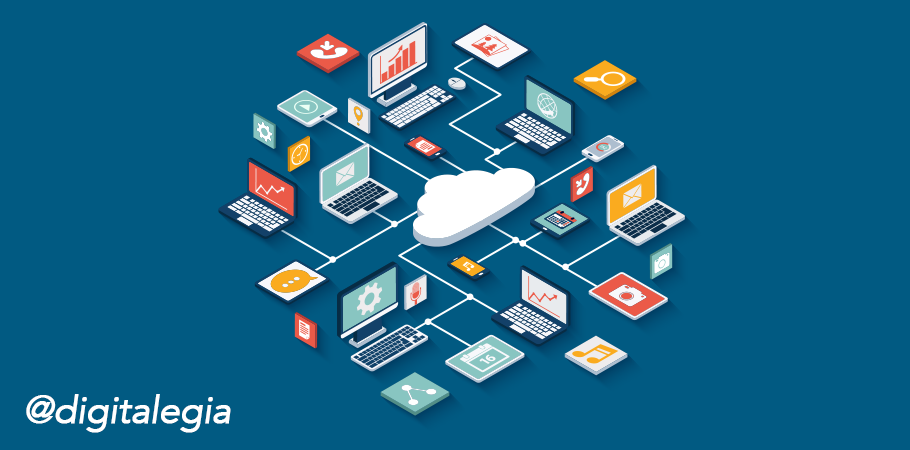
This way, all the processing and file storage work is done on remote servers that you access over the Internet using a web browser.
SaaS, when combined with PaaS, makes up what is known as "cloud computing"
SaaS and PaaS (platform as a service) describe the business model of users who connect to a centralized cloud server to access their software products.
Users can access their files and software only while they are online, using their Internet browser and their passwords.
It is very similar to the paradigm of the 1950s and the 1960s model of terminals connected to a mainframe, but adapted so that Internet browsers act as the terminals.
Benefits of SaaS
The main advantage of software as a service is that it reduces costs for everyone involved. Software providers do not have to spend thousands of hours supporting users over the phone; instead, they only have to service and maintain one central copy of the product, available on the Internet.
On the other hand, users do not have to pay the high upfront costs of buying software and relatively powerful hardware; they would only have to pay a rental fee to access the service, and in addition, the hardware can be much simpler and cheaper.
Disadvantages of SaaS
The risk of software as a service is that users must place a high level of trust in online software providers, both that the service will not be interrupted and in the privacy of their information.
In a way, the software provider holds all of its clients' documents and productive capacity in its hands, which is why choosing the provider becomes especially important.
When a company with 600 employees switches to the software as a service model, it must choose its software provider carefully.
Using software as a service usually reduces administration costs dramatically; however, there is an increase in the risks of service interruption, connectivity and online security.
SaaS Example 1
Instead of selling a copy of Microsoft Word for a license fee, you can use the model of "renting" the word processing software for about $5 a month. This way, you do not have to install any software, nor would you be confined to a single computer to use this product.
You just have to use your Internet browser and log in from any computer with an Internet connection, and you can access your documents just the same. A good example of how SaaS works is Google Docs (with the difference that Google Docs is free).
SaaS Example 2
A small car dealership could spend thousands of dollars on a sales database. Instead, if the company's owners "rent" access to a sophisticated online sales database, all the car salespeople would have access to that information through their computers with Internet access or, better yet, from their mobile devices.
SaaS Example 3
You decide to start a gym in your hometown, and you discover that you need software tools for a receptionist, an accountant, four salespeople, two member coordinators and three personal trainers.
You could spare yourself the headaches and the cost of paying part-time staff to install and support the software you need if you give all your staff access to the cloud and rent online office software that will run somewhere remote. This way, you do not need specialized support staff for your software, or servers, or databases.
We hope these tips have been very helpful to you. Do not forget to leave us your comments and questions in the box below this post.
If you want to learn more about Inbound marketing, do not forget to subscribe to our blog, or subscribe to our YouTube channel!
