

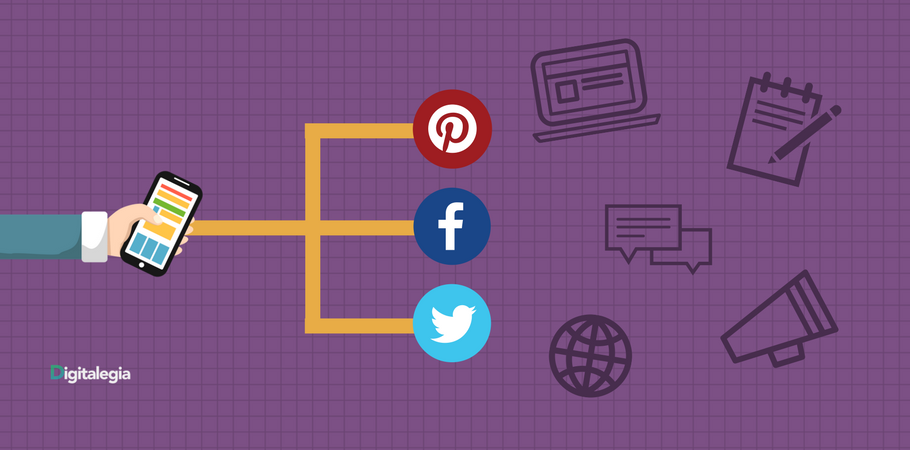
You have come to understand that the blog is the main player on your website, that it lets you create dynamic content and keep growing it, and that it helps attract people interested in the topics you publish related to your business, so you can attract more valuable visitors who become prospects and later your customers.
We know you work hard to create engaging content and to do it consistently, so now, how can I reach more people through my posts?
If you want to achieve better and faster results, we recommend working with platforms and tools that make your work easier. You will have to design good strategies and, above all, implement some tactics that help you reach more people with the actions you take.
To get you started, we will help you with some tips for turning your blog visitors into your main ambassadors.
It is important to add several calls to action (CTAs) in different places in your posts.
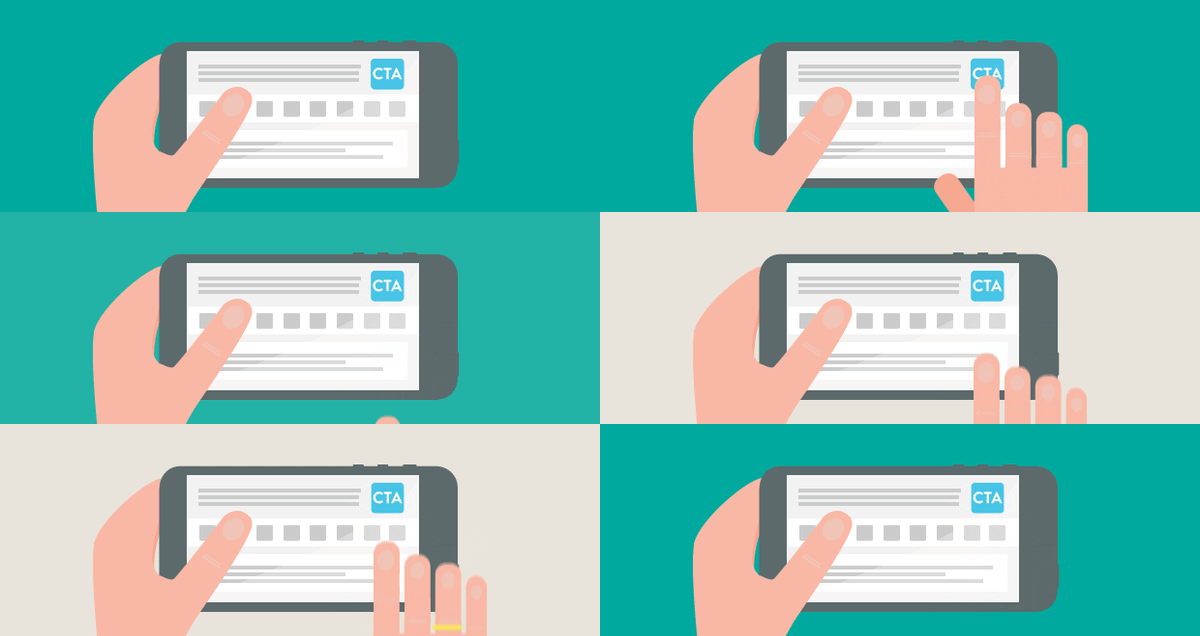
To get your current visitors to click “share” on your blog posts.
- Highlight the share buttons on your blog posts, set up the social networks you use and place the buttons next to relevant phrases in your post.
- Offer valuable educational content that your visitors can download for free. (eBooks, white papers, checklists)
- Encourage your readers to tweet different highlighted or catchy phrases by adding a button with the option to post immediately on Twitter.
- Re-share your content with different images and headlines from time to time.
To get people to share your YouTube videos
- Add annotations in the middle of your video with links to share the video
- At the end of your video, add annotations in different colors with share links for the different social networks, and turn views into social actions.
To get people to share your content on social media
- Ask for it. Ask your followers to share your posts if they found them interesting or useful. Someone is sure to join your initiative.
- Run contests where the mechanics include sharing a piece of content with a predetermined hashtag.
- Inform with infographics in your posts; they are explanatory and easy to digest, and people love to share them.
- Make sure the text accompanying your social media posts is engaging but not too long.
- Use the classic approach of asking people what they prefer or like best, and ask them to respond with a "share" or a reaction (on Facebook), or a "fav" or "RT re-tweet" (on Twitter).
To get people to share your emails
- At the end of your email campaign, highlight the option to share the email with a friend or colleague who might like it.
- Use eye-catching titles in your social media posts, on your blog and in your Email Marketing campaigns.
- Add captivating phrases and let your visitors share them on the social network of your choice with a button where everything is ready to go in just 1 click.
Now you have what you need to start thinking about your strategy to get more visitors and convert them step by step from prospects into customers. If you want to keep learning, subscribe to our channel and to the blog so you don't miss a thing!
Do you have comments or want to add something to this post? Leave us all your questions and comments below.

Don't forget to share this post!