


You've probably already used Facebook Messenger to answer questions or communicate with potential or current customers, but if you haven't set it up to get the most out of it and help your business by giving timely answers to your customers' questions, this is for you.
In this post we'll share some ways to better manage your customer service through Messenger.
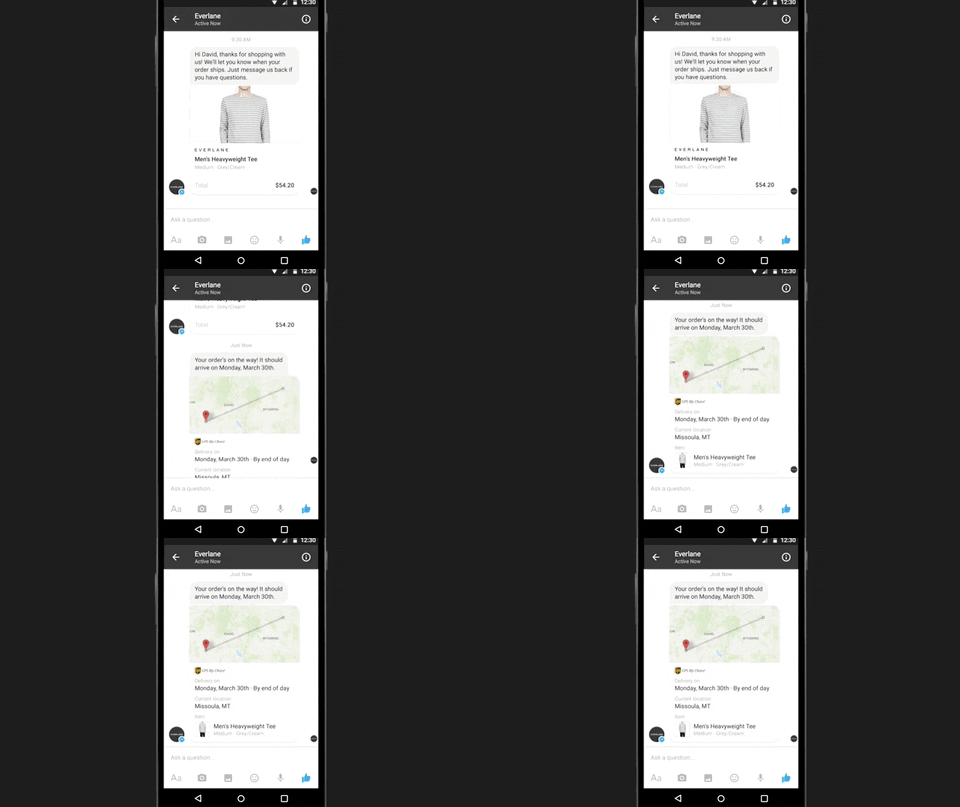
1. Turn On Messaging When You're Ready
Once you turn on messaging on your Page, people will write to you and expect you to reply. Therefore, turn on messaging only when you can commit to responding.
2. Set Up a Welcome Greeting
With Messenger greetings, you can set up a customizable greeting to be shown when someone starts a conversation with your Page for the first time. This greeting will appear before any message is sent and will provide the information you want people to have available before they send you a message.
3. Set Expectations With Instant Replies
Turn on instant replies to automatically respond to anyone who sends a message to your Page. You can use this option to greet customers and thank them for getting in touch before you reply to them personally.
4. Send the Right Message to Each Customer
Check the customer details shown on their card to get information about them before replying. The context shows their time zone, where they live, and their order history, among other details. That way, you can write a personalized message for them.
5. Use an Automatic Reply if You're Not Available
You can turn on this type of reply for those times when you're not at your computer or don't have your cell phone at hand, in order to let your customers know you'll get back to them soon. This way, you can maintain your responsiveness rating and set what your customers should expect from you.
6. Save Time With Saved Replies
Saved replies let you write, save, and reuse messages. They can be especially useful for answering frequently asked questions such as your business hours, email address, or phone number.
Interested in learning better ways to attract customers and turn them into your best advertising? Subscribe to our YouTube channel or follow our Facebook Fan Page to learn more.
Don't have time and would like someone else to do it for you? Schedule a call, we can help you.

Don't forget to share this post!
