How to Evaluate Technology Integration Partners for a Complex RevOps Stack

Evaluate technology integration partners by how they handle four integration risk areas: the data model, the middleware or integration method, monitoring and error handling, and ownership after go-live. Ask every partner the same questions, compare answers with what strong and red-flag answers sound like, and score each one on a 100-point scorecard with pass or fail gates you agree before the calls.
Key takeaways
- Score every partner on the same four integration risk areas (data model, middleware choice, monitoring and error handling, ownership after go-live) plus commercial terms.
- Ask for a system of record, matching key and sync direction per object, because HubSpot data sync relies on record IDs once records are paired and a weak matching field can create duplicates.
- Make monitoring a deliverable with named alert recipients and an external log, since HubSpot recommends an external log for legacy private app call data older than 30 days.
- Put middleware accounts, credentials, code and documentation in your company's name, with a named person on your side for token rotation.
- Set pass or fail gates for a discovery deliverable, ownership and a rollback plan, weight 100 points before any call, and have at least three people score alone first.
- In Canada, your organization must protect the personal information in the hands of processors, mainly through contract, so ask where every tool stores and processes data.
What should a technology integration partner deliver for a complex RevOps stack?
A technology integration partner should deliver connections between HubSpot and your ERP, billing, data warehouse and point tools that are designed, monitored, documented and owned by you. That scope is wider than an onboarding project, which in this post means setting up HubSpot itself and getting your team using it.
This post gives you a question bank organized by four integration risk areas (data model, middleware choice, monitoring and error handling, ownership after go-live) plus commercial terms. For each question you get what a strong answer includes and what a red-flag answer sounds like, then a 100-point scorecard to fill in during partner calls.
Ask every candidate to commit in writing to these deliverables:
- Discovery deliverable: an inventory of systems, objects and data flows, with a system of record for each object.
- Data model and field mapping: matching keys, sync direction and conflict rules per object.
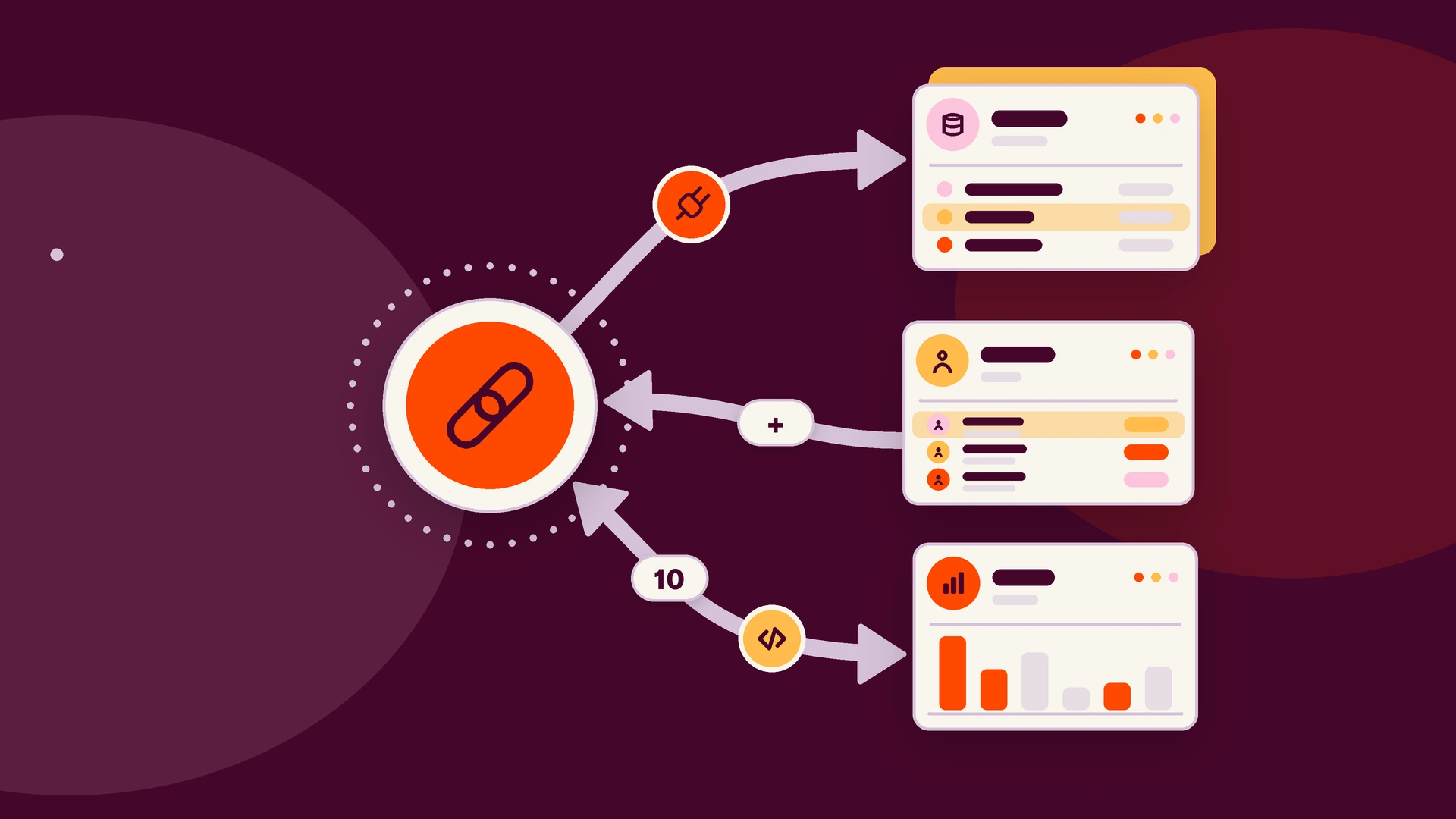
- Method decision per connection: native app, HubSpot Data Sync, an iPaaS or custom API code, with reasons.
- Monitoring and alerting: who is notified, how fast, and how failed records are fixed.
- Cutover and rollback plan: how go-live happens and how you go back if it fails.
- Handover: documentation, credentials and code in your company's accounts.
If you have not yet decided which tools to keep, replace or integrate, open How to Consolidate a RevOps Tool Stack Around HubSpot as Your System of Record before the calls. If your need is broader than integration and you are deciding between a retainer, a fractional lead or a fixed-scope project, read How to Choose a RevOps Consulting Firm for a Fast-Growing B2B Scaleup.
Digitalegy is a HubSpot partner.
Our HubSpot implementation service is for teams that need HubSpot implementation, customized integrations and technology integration for their stack.
What questions should you ask about the data model?
Ask which system is the system of record for each object, how records are matched and paired, how duplicates are prevented and which way each sync runs. These answers decide whether your duplicate and broken-sync problems end or simply move to a new tool.
The system of record is the system whose value wins for an object or field when two systems disagree. HubSpot's guide to connecting and using HubSpot data sync says that after connecting a supported app you can configure a one-way or two-way sync, so direction is a choice your partner should justify object by object.
Matching is where duplicates start. HubSpot's article on matching records in data sync explains that once records are paired, data sync relies on record IDs to maintain a live sync, and that when you choose your own matching field, HubSpot uses only that property, which can result in records not matching as expected. On the effect of a poorly chosen matching field, it warns:
"This can cause a duplicate record, as the sync relies on matching to decide if a new record should be created." (HubSpot Knowledge Base, Match records in data sync)
| Question | A strong answer includes | Red-flag answer |
|---|---|---|
| 1. Which system is the system of record for contacts, companies, deals, products and invoices? | A table per object, and per field where needed, agreed with each data owner | "HubSpot will be the source of truth for everything," with no questions about ERP or billing |
| 2. What key matches records across systems, and what happens when no match is found? | A unique ID or domain per object, a match test on sample data, a rule for new records | Matching on names only, or "the tool handles it" |
| 3. How will you prevent duplicates in the first sync and after it? | Cleanup before the initial sync, a merge plan, a duplicate count after go-live | "Run the full sync now, deduplicate later" |
| 4. Which direction does each sync run, and who wins a conflict? | One-way or two-way chosen per object, with a written conflict rule | Two-way for every object by default |
How do you judge a partner's middleware and integration method choices without being an engineer?
Ask the partner to name a method for each connection and explain why simpler options do not fit. You do not need to judge the code; you need to see that each choice follows from your data model, volumes and processes.
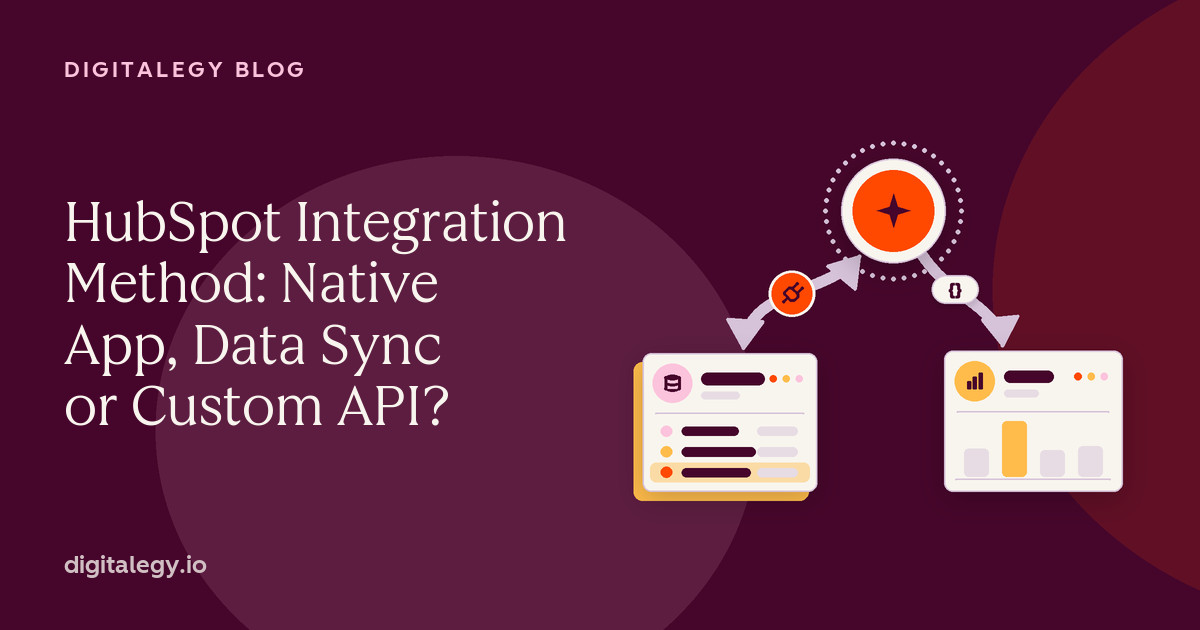
This scorecard compares four integration methods. A native app is a connector listed in HubSpot's App Marketplace. HubSpot Data Sync is HubSpot's built-in sync for supported apps. An iPaaS (integration platform as a service) is middleware that runs connections between apps. A custom API integration is code written against HubSpot's APIs. To check a proposed method against a rule, use HubSpot Integration Method: Native App, Data Sync or Custom API?
A strong partner names limits before you find them. HubSpot's data sync guide states that if you have a non-standard sales process that doesn't rely on deal or opportunity stages, you won't be able to sync data using HubSpot data sync.
For custom work, a 2022 HubSpot Developers Blog post on private versus public apps explains that private apps can be used for custom integrations intended for use by a single HubSpot account, and that public app access tokens expire after 30 minutes, so the integration needs infrastructure to store refresh tokens securely and refresh access tokens. HubSpot's documentation on legacy private apps says they are still supported but don't have access to the latest app features, so ask which app framework the build uses.
| Question | A strong answer includes | Red-flag answer |
|---|---|---|
| 5. Why this method for each connection, and why not a simpler one? | A method per connection, tied to objects, volume and process | One platform for every connection, with no reason given |
| 6. What stops working if our process changes? | Named limits, such as Data Sync needing deal stages | "Nothing, it is fully flexible" |
| 7. Where does custom code run, and on which HubSpot app type? | Hosting, token storage and app type stated in writing | Scripts on a server you cannot see or access |
What should monitoring, error handling and alerting look like after go-live?
After go-live you should see sync health in one place, get an alert when a sync fails and know which named person fixes it, and by when. Ask the partner to show the dashboard, the alert route and the error routine before you sign.
Ask to see the monitoring rather than hear it described. Useful reference points from HubSpot's documentation:
- In data sync's incremental sync, HubSpot checks if there are changes every five minutes, so ask how quickly an error in that cycle reaches a person.
- HubSpot's guide to managing connected apps says its connection insights help you monitor app behavior, identify and resolve errors, and prevent issues like expired connections or reaching API call limits.
- For HubSpot's Salesforce integration specifically, the guide to Salesforce integration sync errors says you can monitor sync health and API call usage and set up notifications to stay informed about new sync errors.
- For legacy private apps, HubSpot recommends an external log if you want to store log data from more than 30 days ago.
Where you cannot point to a built-in notification for a connection, ask the partner to build and document the alert route, with a named owner on each side and a weekly error review.
| Question | A strong answer includes | Red-flag answer |
|---|---|---|
| 8. Who is notified when a sync fails, and through which channel? | A named owner and backup on both sides, with response times | "Our team keeps an eye on it" |
| 9. How are failed records retried or fixed? | An error queue, a retry rule and a regular error review | Manual re-imports from spreadsheets |
| 10. Where are logs kept, and for how long? | An external log for legacy private app call data older than 30 days | Only what each tool keeps by default |
Who owns the integrations, credentials, documentation and code after go-live?
You should own every integration asset: HubSpot apps, middleware accounts, credentials, code and documentation, held in your company's name. The contract should require a handover you can test before final payment.
Credentials need an owner on your side. HubSpot's legacy private apps documentation says super admins receive a reminder email if an access token hasn't been rotated in over 180 days, and that a lost or compromised token can be rotated, which creates a new token and expires the original. If only the partner can do that, you do not control your own integration.
| Question | A strong answer includes | Red-flag answer |
|---|---|---|
| 11. In whose name are middleware accounts, API credentials and code repositories? | Yours, with partner users you can remove | The partner's account, "we'll transfer it later" |
| 12. What documentation do we receive? | Data map, field mapping, method decisions, an error and token runbook | "The setup is self-explanatory" |
| 13. What happens if we end the engagement? | A written exit and handover clause | No answer, or a charge to release your own assets |
Write this handover into the contract and test it before final payment:
- Middleware accounts, repositories and app registrations transferred to your company.
- Credentials rotated after transfer, with partner access removed or reduced.
- Data map, field mapping and method decisions documented.
- A runbook for sync errors and token rotation.
- A recorded live walkthrough with your admin.
If you need help once everything is live, our HubSpot support service is for teams that need ongoing HubSpot support after their integrations go live.
What drives the cost and timeline of a multi-system integration project?
Ask each partner to explain its estimate through the number of systems and objects, record volume, API limits, the method per connection and data cleanup. None of the sources here states a market price, so request a written, itemized quote with its assumptions.
- Systems and objects: each object you sync needs mapping, matching and testing.
- Record volume: HubSpot's data sync guide notes, about initial syncs for large databases, that syncs with millions of records may take several days to complete. Plan cutover around that.
- API limits: HubSpot's connected apps guide says private apps use your HubSpot account's subscription-based API limits, so high-volume syncs need planning.
- Method: a public app needs the token storage and refresh infrastructure described in the 2022 HubSpot Developers Blog post.
- Data cleanup: duplicates and missing IDs found in discovery.
| Question | A strong answer includes | Red-flag answer |
|---|---|---|
| 14. What does discovery produce, and is it quoted separately? | A fixed-scope discovery with a written deliverable | A build quote after one call |
| 15. What assumptions sit behind the estimate? | Record counts, objects, systems and cleanup written into the quote | A single number with no assumptions |
| 16. What happens after go-live, and how are changes quoted? | A defined support period and a change request process | "We'll sort it out as we go" |
What are the red flags in a partner proposal or discovery call?
The clearest red flags are a proposal with no discovery deliverable, vague ownership of accounts and code, and no rollback plan. Any one of them should pause the comparison until the partner fixes it in writing.
- No discovery deliverable: a build quote after one call, with no written data map.
- Vague ownership: "we host it for you" with no transfer clause.
- No rollback plan: go-live means "switch it on," with no test run or way back.
- Two-way sync for every object, with no conflict rule.
- Matching on names only, or "we'll deduplicate after the first sync."
- No named person who receives the alert when a sync fails.
- One method for every connection, with no reason given.
- No answer on where data is stored and processed.
Treat the first three as pass or fail gates in the scorecard below. If the calls show that your real problem is broken handoffs and processes rather than the connections themselves, use Process Optimization Service for B2B RevOps: A 100-Point Scorecard instead.
How do you weigh selection criteria fairly and run reference checks?
Set pass or fail gates and point weights before you read any proposal, have each evaluator score alone, then compare. Check references on the same risk areas instead of asking whether the client was happy.
The Treasury Board of Canada Secretariat's guidance on evaluation criteria (dated 2009) gives a usable method. It says mandatory criteria must be designed so that a "meets" or "does not meet" response is easy to determine, that the project authority should create a team of at least three people who understand the requirements, and that committee members should work individually to evaluate the bids. Its example marking scale scores no, some or full demonstration of a requirement at 5, 10 or 15 points.
| Risk area | Points | Pass or fail gate |
|---|---|---|
| Data model | 30 | Written system of record per object |
| Middleware and method | 20 | Method named per connection |
| Monitoring and error handling | 20 | Named alert recipients |
| Ownership and handover | 20 | Accounts and credentials in your name |
| Commercial terms | 10 | Discovery deliverable and rollback plan |
| Total | 100 | All gates must pass |
Score each area as none (0), some (half the points) or full (all the points), adapting the guidance's demonstration scale.
Worked example: HubSpot plus ERP plus billing
Two hypothetical, unnamed proposals to sync companies, deals, products and invoices:
| Area (points) | Proposal A | Proposal B |
|---|---|---|
| Data model (30) | Full: 30 | Some: 15 |
| Method (20) | Full: 20 | Some: 10 |
| Monitoring (20) | Some: 10 | Full: 20 |
| Ownership (20) | Some: 10 | Full: 20 |
| Commercial (10) | Full: 10 | Full: 10 |
| Total | 80 | 75 |
| Gates | Fails ownership | All pass |
Proposal A: 30 + 20 + 10 + 10 + 10 = 80. Proposal B: 15 + 10 + 20 + 20 + 10 = 75. A leads on points but fails the ownership gate, because its iPaaS account and API credentials would sit in the partner's name. Ask A to fix that in writing; if it will not, B goes forward with a paid discovery to close its data model gap. Score price only after this; the guidance gives an example where, for a project that requires specialized technical knowledge, point-rated criteria may account for 80% of the evaluation and price 20%.
Reference checks
Ask for two references with a stack like yours, then ask each one:
- What broke in the first weeks after go-live, and who heard about it first?
- Did you receive the documentation, credentials and code, and have you used them without the partner?
- How were change requests scoped and quoted?
- Would you hire them again for the same scope?
Do data residency or privacy rules in Canada and the United States change what you ask an integration partner?
Yes. Your HubSpot data center is only one stop, and an integrated app may process data outside it, so ask every partner to map where each tool stores and processes your data. In Canada, your organization must protect the personal information in the hands of processors.
HubSpot's cloud infrastructure and data hosting FAQ says HubSpot accounts are hosted in one data center, where customer data is processed and stored, and that data is replicated for disaster recovery and back-up purposes to other data centers within the regional hosting location. It adds that in a very limited number of cases processing can happen outside your data center location, and that an app you integrate may process data and transfer data outside of it.
In Canada, the Office of the Privacy Commissioner's guidelines for processing personal data across borders (dated 2009) state that PIPEDA (the Personal Information Protection and Electronic Documents Act) does not prohibit organizations in Canada from transferring personal information to an organization in another jurisdiction for processing. They add: "Organizations must protect the personal information in the hands of processors. The primary means by which this is accomplished is through contract." The organization should also have the right to audit and inspect how the third party handles and stores personal information. The guidelines do not deal with specific rules that may be found in provincial private sector privacy laws, so check those with counsel.
For US data, none of the sources here sets out a rule, so ask your legal team which laws apply to the records you sync. In both countries, ask each partner:
- Where is each middleware account and custom app hosted?
- Does your team copy our data into its own systems, logs or test files?
- Which subprocessors touch our data?
- Will the contract give us a right to audit how you handle and store personal information?
Frequently asked questions
Should our integration partner be the firm that implemented HubSpot?
Only if it passes the same gates and scores. Prior work in your portal gives context, but the data model, monitoring and ownership questions still apply. Score the incumbent on the same 100-point table as every other candidate.
Can we set up HubSpot Data Sync without hiring a partner?
For a supported app and a deal-stage sales process, HubSpot's guide says you can configure a one-way or two-way sync yourself. The harder work is choosing matching keys and conflict rules and connecting systems Data Sync does not support.
What if a partner wants to host the middleware in its own account?
Treat it as a failed ownership gate unless the contract transfers the account, credentials and logs to you on request and at exit. A partner can run the account for you; it should not own it.
How many partners should we evaluate?
A shortlist of three gives you a real comparison while keeping the same question bank, calls and independent scoring manageable for your evaluation team.
When should we score price?
After technical scoring, so a low quote cannot hide a weak data model. Decide the price weight before the calls and write it next to your 100-point table, so nobody adjusts it once names and numbers are known.
Who should sit on the evaluation team?
People who own the data the integrations move, for example the RevOps lead, the owner of ERP or billing data and someone from IT or security. Each scores alone first, then the group meets to agree on final scores.
Sources
- Connect and use HubSpot data sync, HubSpot Knowledge Base (October 2, 2026)
- Match records in data sync, HubSpot Knowledge Base (April 17, 2026)
- What's Best for my HubSpot Integration? Choosing Private vs. Public HubSpot Apps, HubSpot Developers Blog (July 13, 2022)
- Legacy private apps - HubSpot docs, HubSpot Developers (October 30, 2026)
- Manage your connected apps, HubSpot Knowledge Base (October 6, 2026)
- Manage Salesforce integration API calls and sync errors, HubSpot Knowledge Base (September 16, 2026)
- Evaluation Criteria - Canada.ca, Treasury Board of Canada Secretariat (December 15, 2009)
- HubSpot Cloud Infrastructure and Data Hosting | Frequently Asked Questions, HubSpot Knowledge Base (July 24, 2026)
- Guidelines for processing personal data across borders, Office of the Privacy Commissioner of Canada (January 27, 2009)
Want help putting this into practice?